Smart Card Reader on Arch Linux
Last updated on January 3, 2026Smart card readers enable certificate-based authentication and cryptographic signing operations. While some desktops and laptops include an integrated smart card reader, the most common setup relies on an external USB smart card reader.
On Windows and macOS, smart card readers typically work out of the box with minimal user intervention. Linux distributions, however, often require explicit configuration of middleware and cryptographic providers, and Arch Linux is no exception.
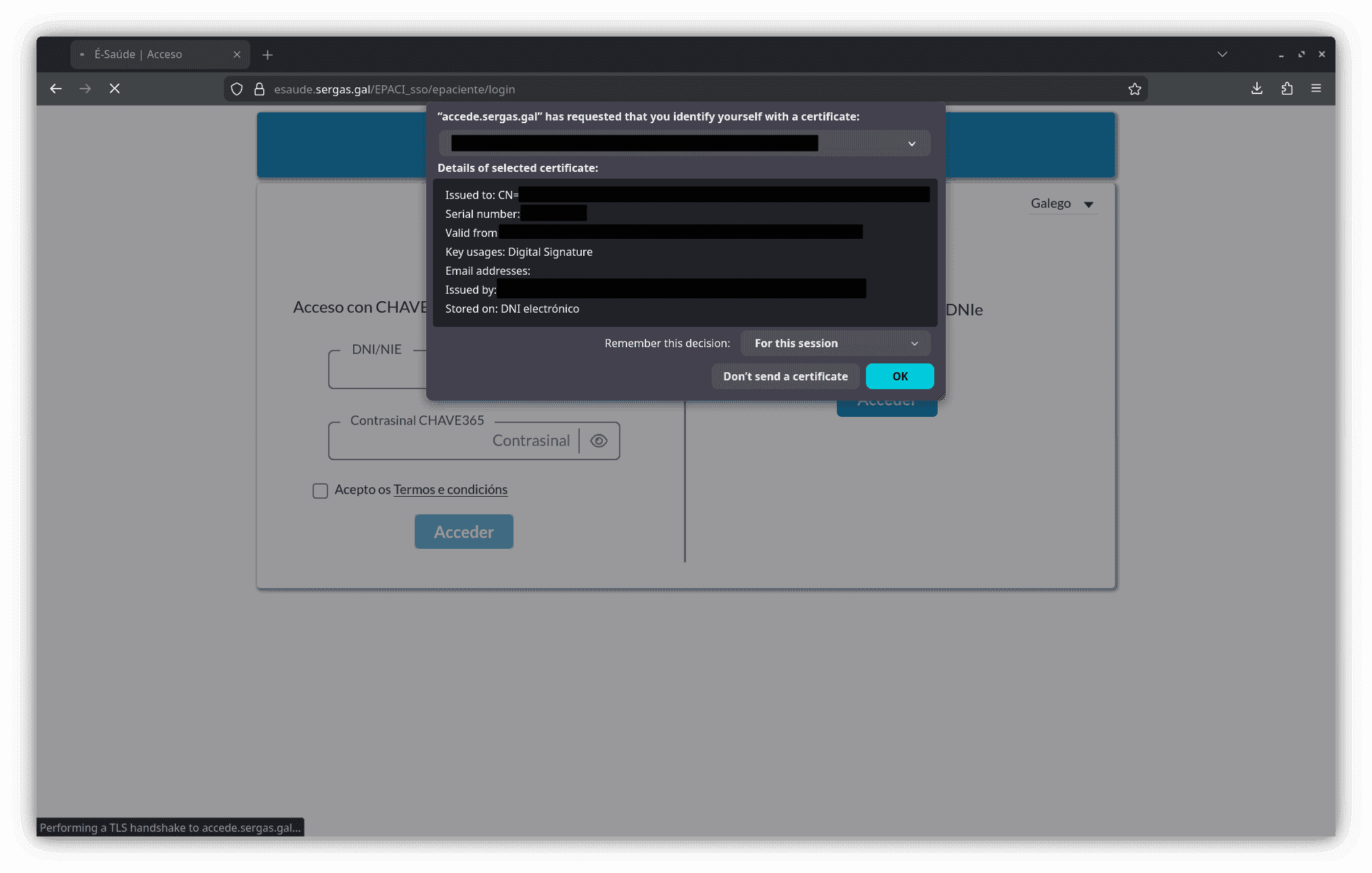
This guide covers the configuration of a smart card reader named “Trust Primo Lector DNI Electrónico” used for the Spanish electronic national identity card (DNIe). Although the examples focus on this particular device and ID system, the same principles apply to most USB smart card readers and government-issued cryptographic smart cards.

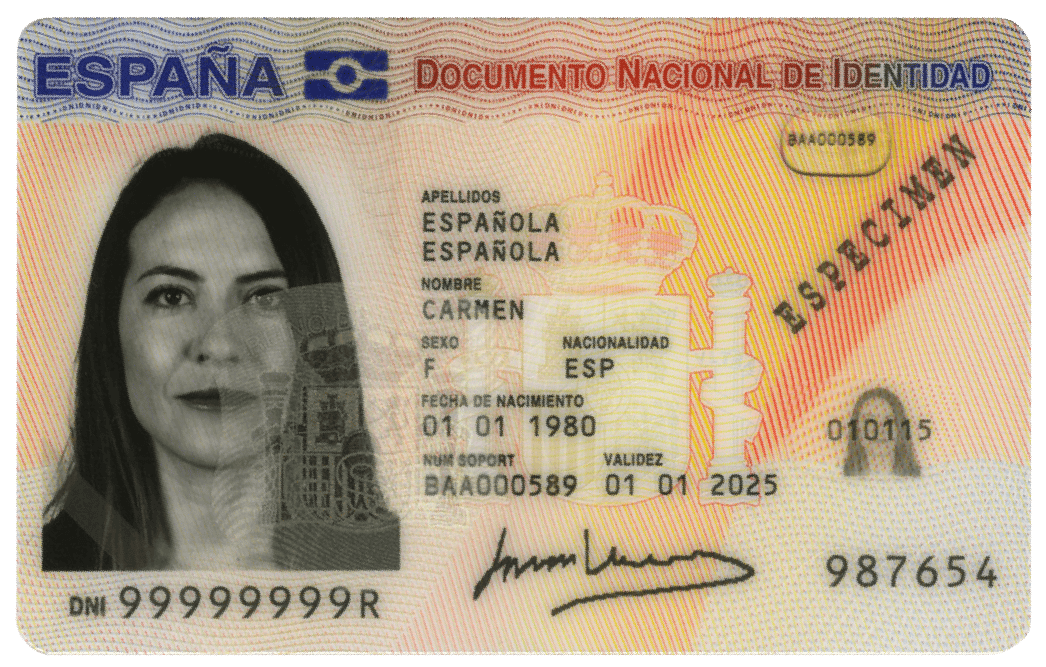
The Spanish DNIe is a cryptographic smart card compliant with PKCS#15, containing hardware-protected private keys that never leave the card. Authentication and digital signatures are performed internally by the chip after successful PIN verification. Depending on the generation, the DNIe uses RSA-based certificates (typically 2048-bit keys) and, in more recent versions, introduces elliptic-curve cryptography (ECC) for improved performance and security. Certificates are issued under a public key infrastructure operated by the Spanish authorities and exposed to applications using standard interfaces.
On Linux systems, access to these cryptographic capabilities is provided through PKCS#11, a standardized API that allows user-space applications, including web browsers, to interact with smart cards via a compatible middleware such as OpenSC. Correct PKCS#11 integration is therefore a prerequisite for using the DNIe in browsers, and differences in PKCS#11 support explain why some browsers behave differently in this context.
Installing necessary packages
The first step is to install the necessary packages for smart card reader support:
- pcsclite: The PC/SC Lite daemon and libraries.
- pcsc-tools: Utilities to interact with smart card readers.
- ccid: Chip Card Interface Device driver.
sudo pacman -S pcsclite pcsc-tools ccid
Next, enable and start the pcscd daemon service:
sudo systemctl enable --now pcscd.service
Once the USB smart card reader is connected, run the following command:
pcsc_scan
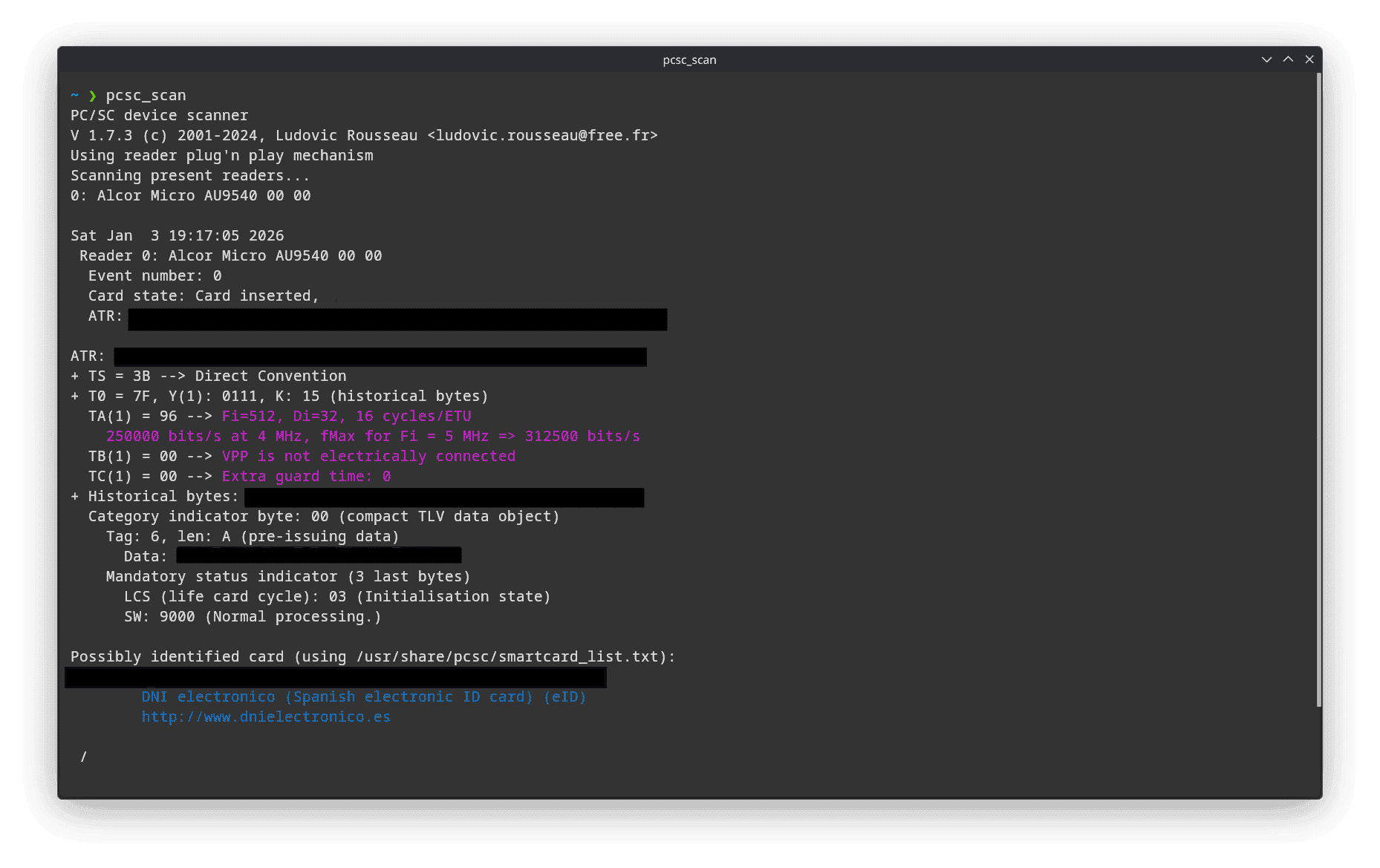
The output displays information about the detected smart card, identifying it as DNI electrónico (Spanish electronic ID card).
Browser Compatibility and Smart Card Support
Using a smart card from a web browser requires native support for the PKCS#11 standard. On Linux, Chromium-based browsers no longer provide functional PKCS#11 support, which prevents them from accessing hardware-backed certificates such as those stored on the Spanish electronic ID (DNIe).
As a result, the only viable option on Linux is to use a Gecko-based browser, such as Firefox or LibreWolf, which relies on NSS (Network Security Services) for its cryptographic infrastructure.
NSS (Network Security Services) is a cryptographic library originally developed by Mozilla. It provides:
- TLS/SSL implementations.
- X.509 certificate management.
- Key and certificate storage.
- Native support for
PKCS#11modules.
Chromium-based browsers, on the other hand, use BoringSSL for TLS and maintain their own certificate handling logic. While experimental PKCS#11 support existed on Linux in the past, it has been completely removed in recent Chromium versions.
On Windows and macOS, Chromium does not rely on PKCS#11 directly. Instead, it delegates cryptographic operations to the operating system:
- Windows: Uses the native CryptoAPI / CNG for cryptographic operations and smart card access.
- macOS: Relies on Keychain and Security.framework, both providing first-class smart card support.
Linux, by contrast, lacks a unified system-level cryptographic API. This architectural difference explains why browsers without NSS cannot access smart card–backed certificates on this platform.
LibreWolf
Although Firefox provides PKCS#11 support through NSS, LibreWolf is a compelling alternative. As a privacy-focused Firefox fork, LibreWolf maintains the core PKCS#11 functionality while avoiding recent policy changes and Mozilla’s shift towards AI-integrated browser features.
Install LibreWolf from the Arch User Repository:
yay -S librewolf-bin
Registering the Smart Card Module
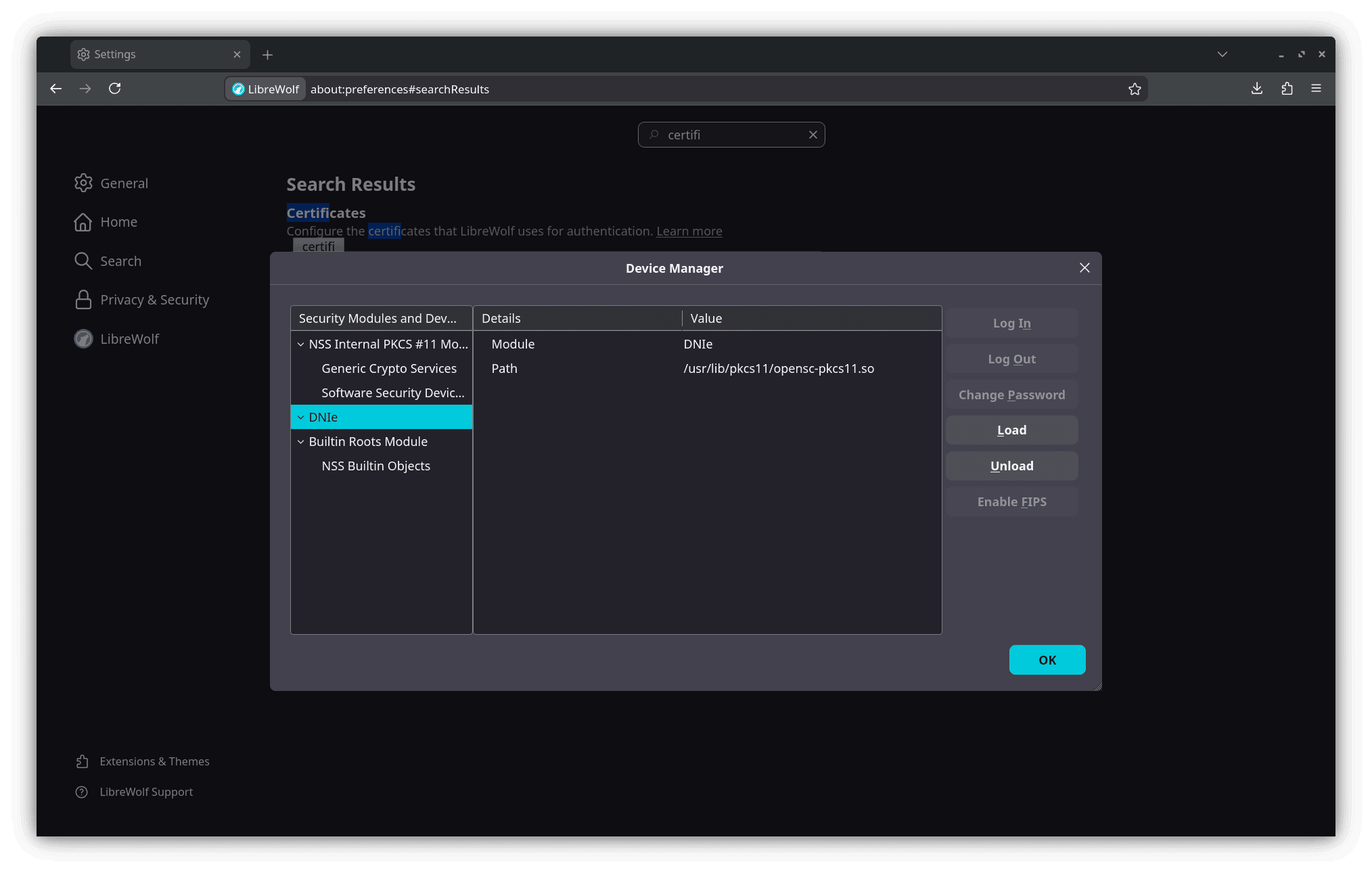
To enable smart card authentication in your browser, register the OpenSC PKCS#11 module:
- Open
LibreWolfand navigate toabout:preferences#privacy - Scroll to the Certificates section.
- Click on Security Devices.
- Click Load and add the
OpenSCmodule located at:/usr/lib/pkcs11/opensc-pkcs11.so - Give it a descriptive name (e.g.,
Smart CardorDNIe).
Configure Security Settings for PIN Dialogs
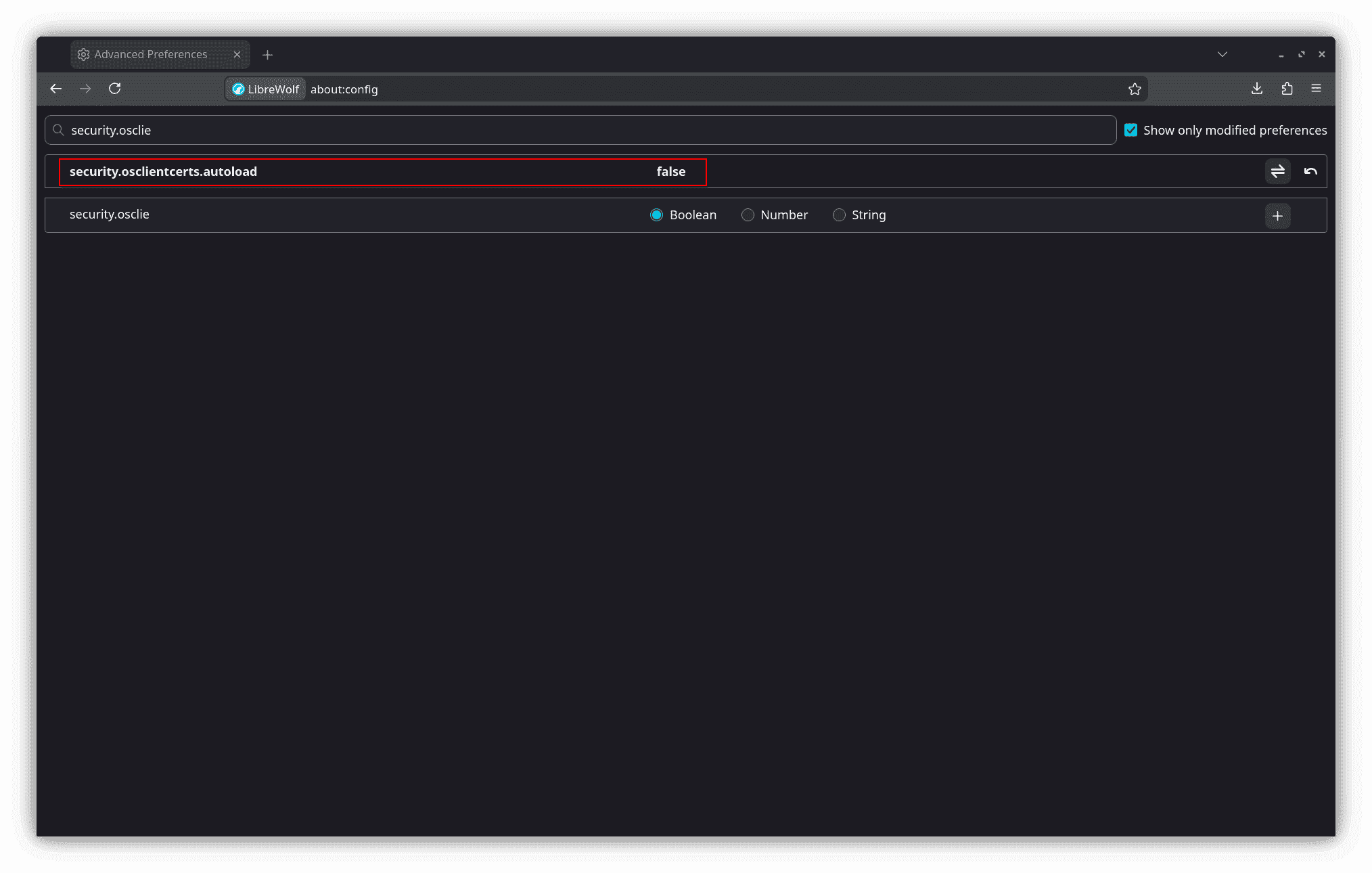
LibreWolf enforces strict security policies that may need adjustment for compatibility with some websites (particularly older government portals):
- Open
about:configinLibreWolf. - Verify or modify this setting:
security.osclientcerts.autoload=false
Verification
With the smart card reader configured and the PKCS#11 module registered, DNIe authentication now works seamlessly in LibreWolf. Access any Spanish government website that requires certificate-based authentication, such as the tax office portal or official administration services. The browser will prompt for the smart card PIN, and after successful authentication, certificate-backed operations function as expected.
The following screenshot demonstrates successful certificate-based authentication on the Galician Healthcare system: